To add a new design
- Go to either receipts or statements
- Click Templates
- Click Add
Design
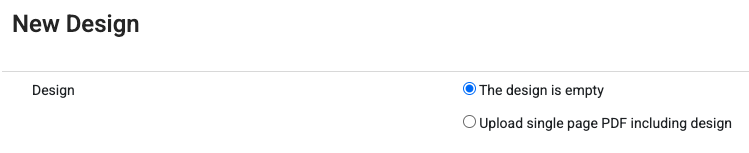
This provides an option to either have a blank design - i.e. no background image, or to upload your letter head or other design as a PDF. Only PDFs are acceptable and they need to be the same size as the output you will be generating e.g. A4, Letter etc.
Other fields:
- Name : A meaningful name for this design so you can find it again
- Paper Size: The output size you want. Note that if you use the PDF upload option for the design, these 2 should align.
- Space before content: This describes how much of a blank border should be applied. For example if you have a logo on the uploaded PDF (if used), make sure you leave enough space to ensure the logo is not overwritten.
- Where to place the content. This reserves space within the remaining page size. If you want to have a design that includes a footer - for instance if you want to always place the receipt at the bottom with some other descriptive content starting at the top of the page - ensure you include a suitable height for the content in the footer.