To make changes to a members membership of a product you need to be viewing the members details for the relevant membership product. See Manage a members membership
Reinstate
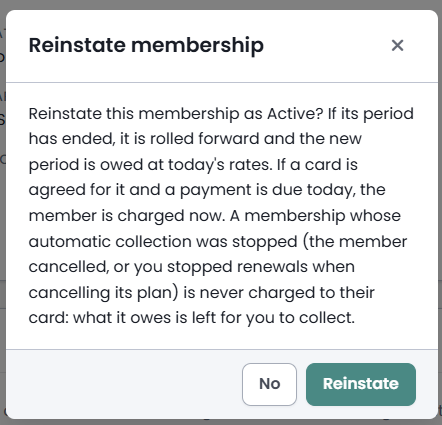
Puts a lapsed, cancelled or in-grace membership back to Active. Where the period has already run out, infoodle rolls it forward by whole product periods from the day after the old end date until the new end date covers today, so the membership does not read as lapsed again the moment you save. The start date is left alone, because the record is the member's continuous membership and the extension is the part that was missing. Where money is still owed and no instalments already cover it, the payment plan is rebuilt for the outstanding amount, and the result message says what happened.
Where no new period can be worked out, for a product that no longer exists or one with no expiry, the action is refused and you are asked to correct the dates by hand.
The button follows the status last saved rather than the one worked out today, so it can appear on a membership the same page is showing as Active. Pressing it there leaves the dates as they are.