When a person has been deleted or archived, or a household's circumstances have changed it may be necessary to disconnect them from their giving number. They will not lose their history against the giving number but the number will now be free to be used by someone else.
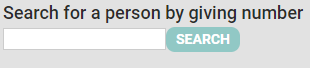
Here is how to delete or disconnect a giving number:
- Click Finance on the Navigation Menu.
- Click Giving Numbers.
- Type in the giving number.
- Click SEARCH.
- infoodle will bring up all the users that are assigned to that giving number.
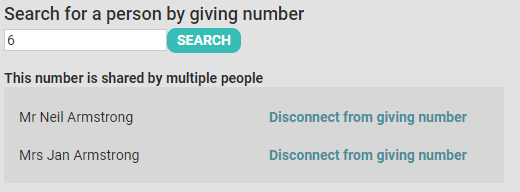
- Click Disconnect from giving number for every individual that you wish to disconnect.