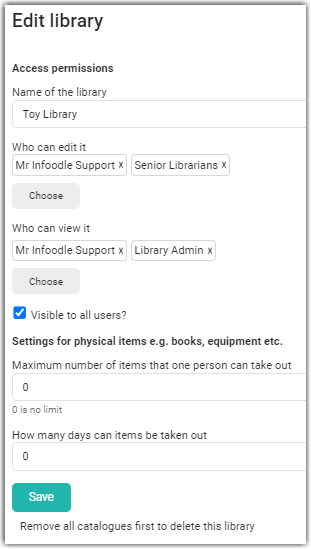
Editing a catalogue is straightforward, however you do need to have been given permission by the person who created the library, or a person who is able to edit a library, in order to do so.
-
From the Library list click on the catalogue you wish to edit.
-
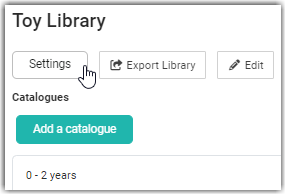
Then click on Settings.
-
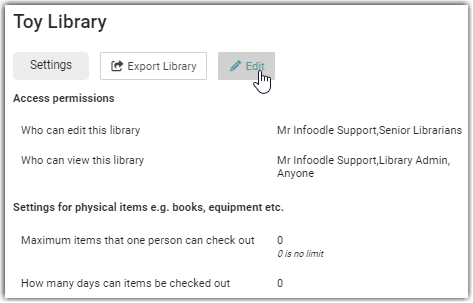
Select Edit.
-
Make your edits and then Save.