Editing a Group Type
On the Group Types screen, find the type you want to change:
- Click Edit
- Update the name, fields, or icon settings as needed
- Click Save
Changes take effect immediately across all groups using that type.
Viewing which groups use a Group Type
On the Group Types screen, click Groups next to the type you want to view
A panel opens listing every group that currently has this Group Type assigned.
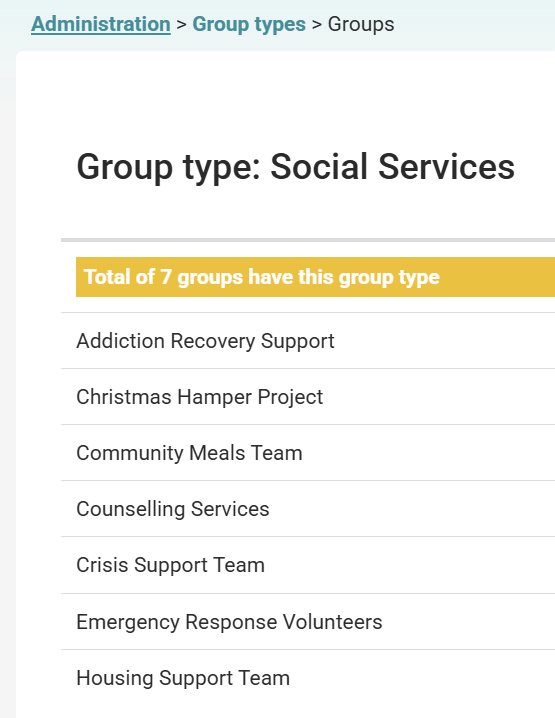
Each group name is a link - click it to go directly to that group's page.
If no groups are using the type, the panel will display "No groups have this group type".