Managing Household Fields with infoodle is essentially the same as managing People Fields, except the fields created are located under the Household or Organisation details of a persons profile and don't have as many options when creating them.
To access this, go to Administration (cog) → Custom Fields → Manage Fields (under the Household header).
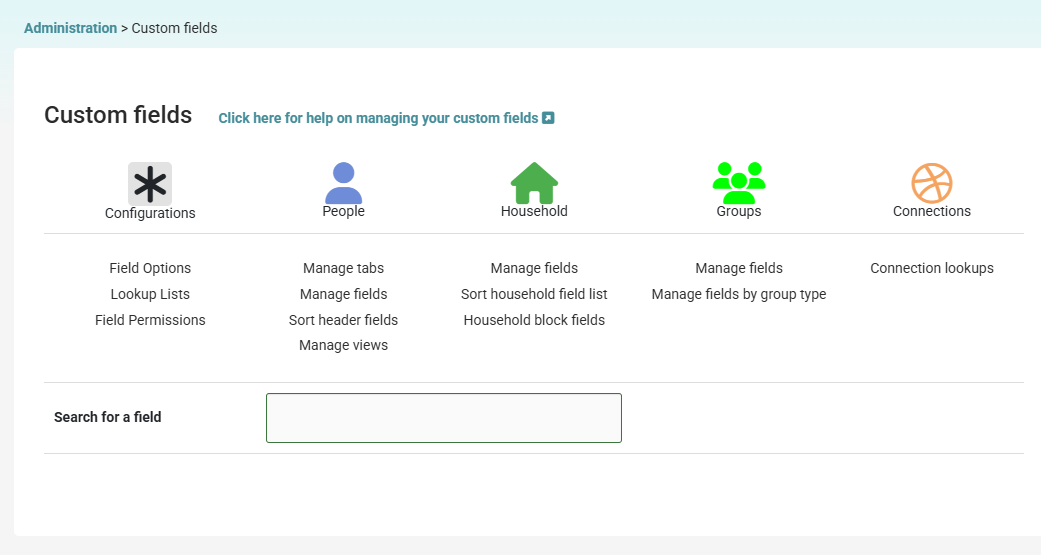
Household Manage Fields allows you to:
- Add custom fields relating to people
- View all custom fields relating to people
- Edit custom fields relating to people
- Delete custom fields relating to people
Managing Household/Organisation and Group Custom Fields
Creating custom fields for People, Households/Organisations, and Groups uses the same method except Households/Organisations and Groups have less options available to them.
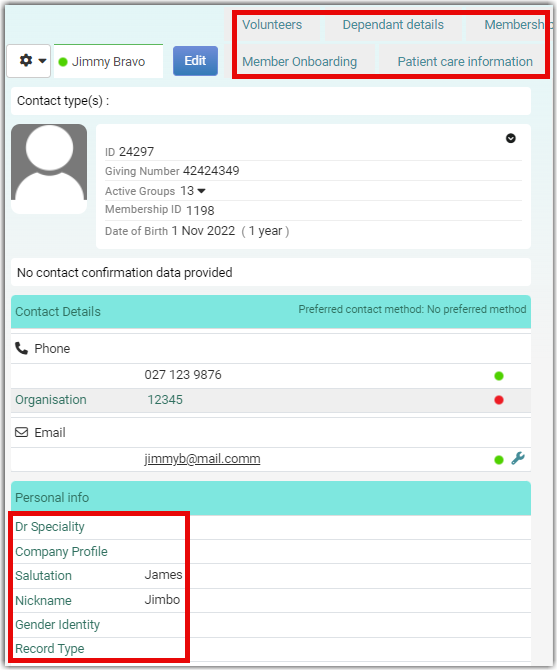
Custom fields for People will be located on a persons profile, either under their details or allocated to a tab:
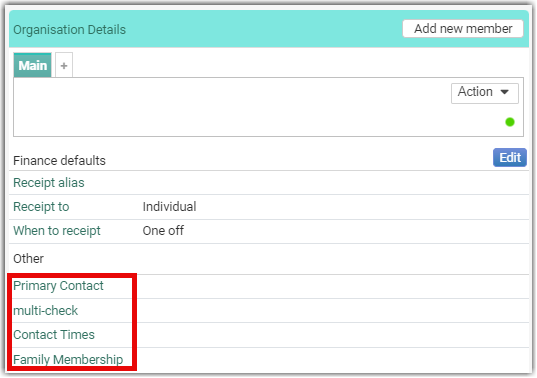
The Household/Organisation custom fields are located under the Household/Organisation information:
To see how to sort header information on people's profiles, see Sort Header Fields.