Select Fields
The Select Fields tab displays all of the data fields in your infoodle and provides you with the option to select what details you want to include in the report.
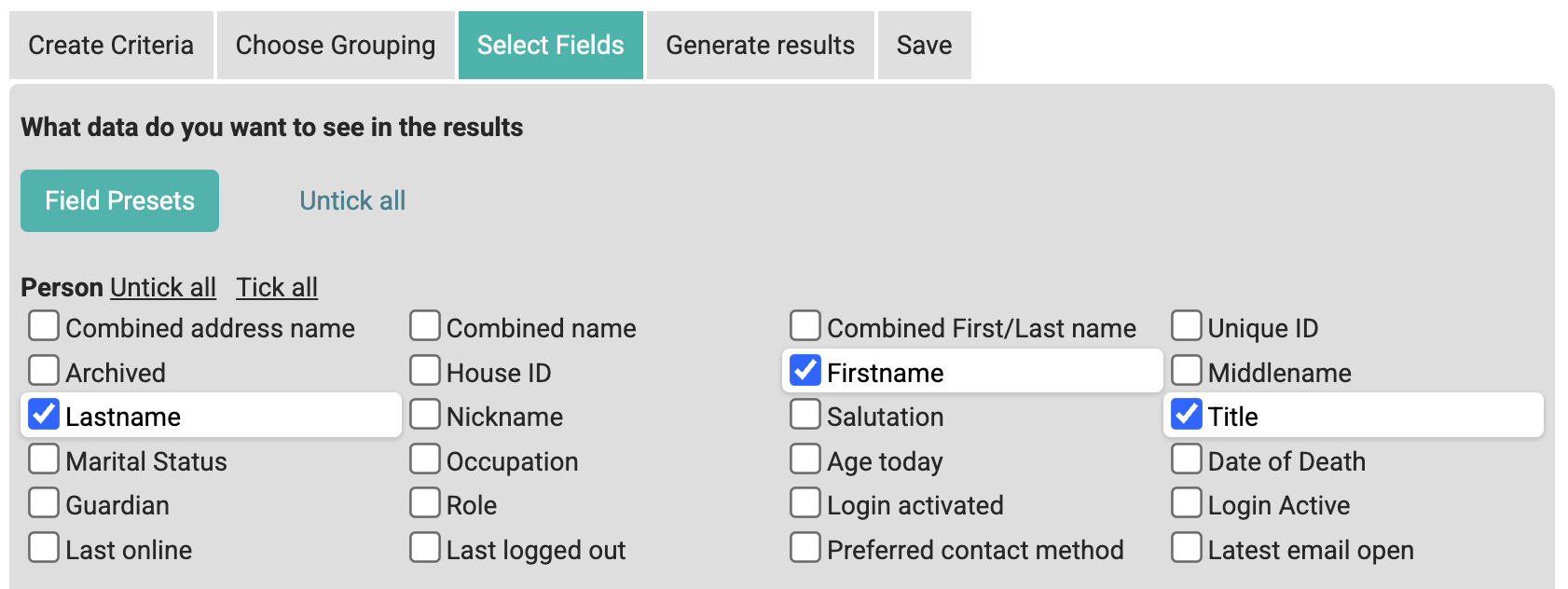
Field Presets
This feature provides a mechanism to determine which fields you want to have as your default fields. You can set this for yourself, by group or globally depending on your permissions.
Clicking the selection shows the current pre-sets available for each category.
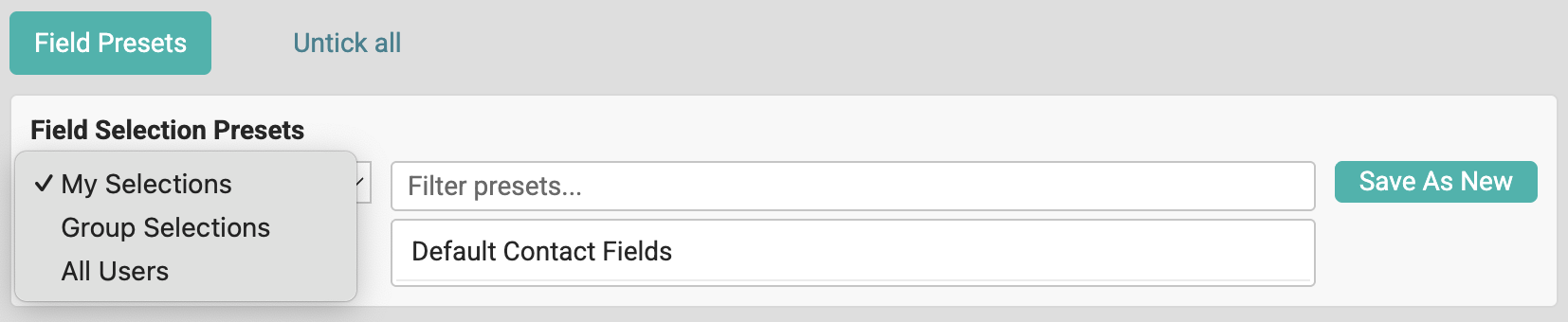
Create a new preset
- Select the fields that you want to include on the report
- Click 'Save as New' - you are shown the following. Complete them as you wish.
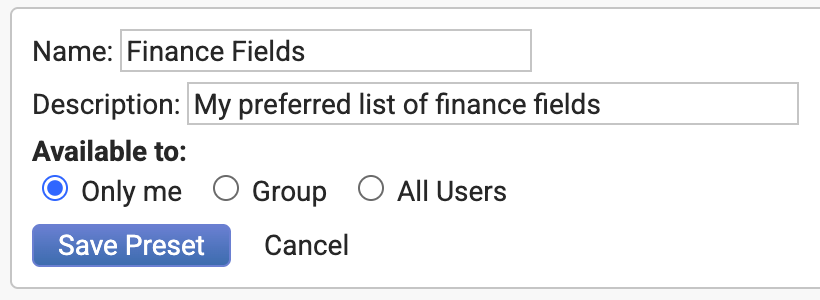
- Click 'Save Preset'
Using a preset
- Click 'Field Presets' to show the list of available presets
- Choose the category e.g. 'My Selections'
- Click on the preset you want

You can click 'Set as Default' to make this field list your own personal default.
Change the list of fields you have selected and click 'Update' to change the specified preset - or save as a new one.