This is where you set up your site landing page (login screen) welcome message and add your logo, set the location and language used.
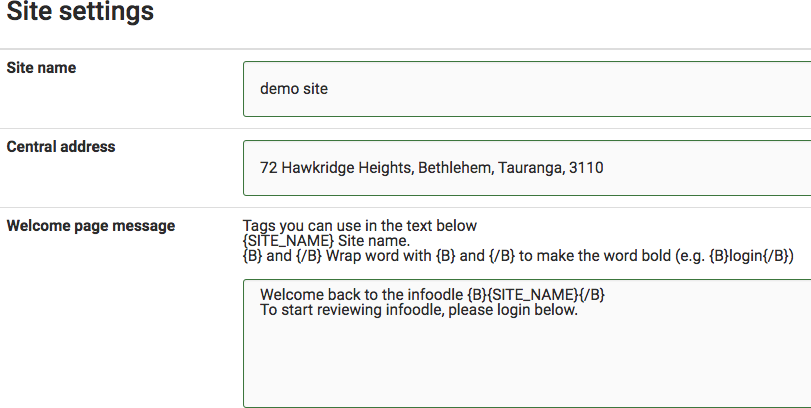
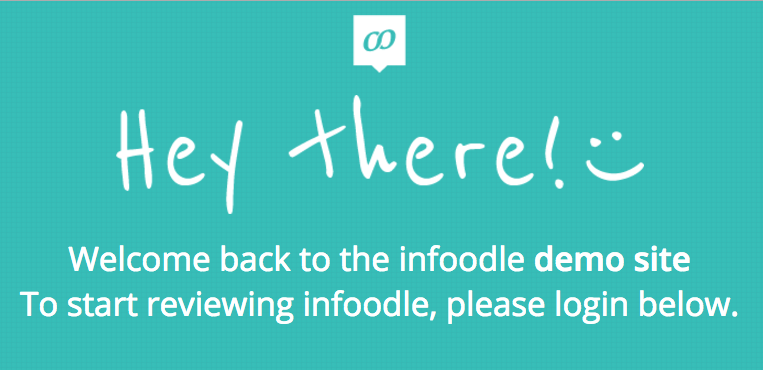
In order to have the greeting on your landing page like below, enter the text in the welcome page message box. Use the site name format as above.
Site logo

See Adding Your Logo for more information.
Language
Select the language option you prefer.
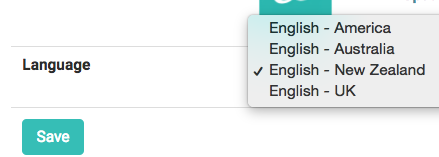
Remember to Save your changes.
Note:
The language setting you choose is only applicable if you use the Finance package. It will affect whether accounts have VAT or GST, etc.