The Transaction List gives you a complete view of all financial transactions recorded in infoodle. You can search, filter, sort, and customise the columns to find exactly the transactions you need.
How to view transactions
-
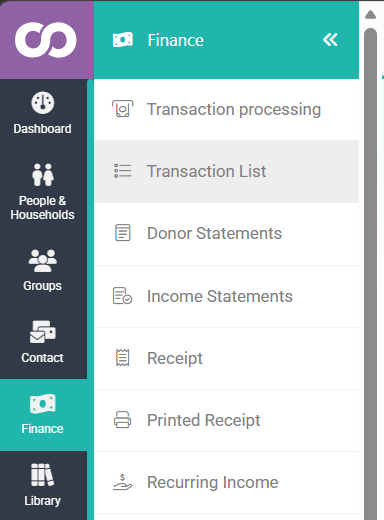
Click or hover over Finance on the navigation menu on the left, then click Transaction List
-
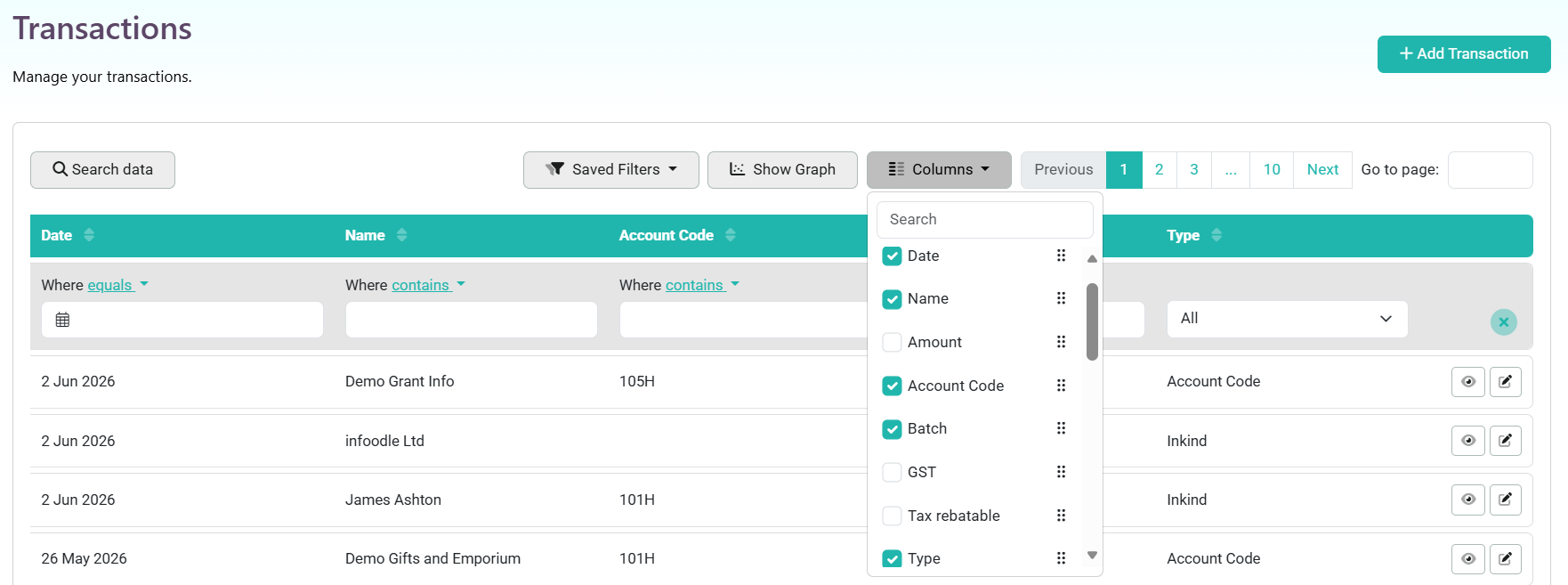
On the Transactions list you can search and filter by Date, Name, Account Code, Batch, and Type using the column filters.
-
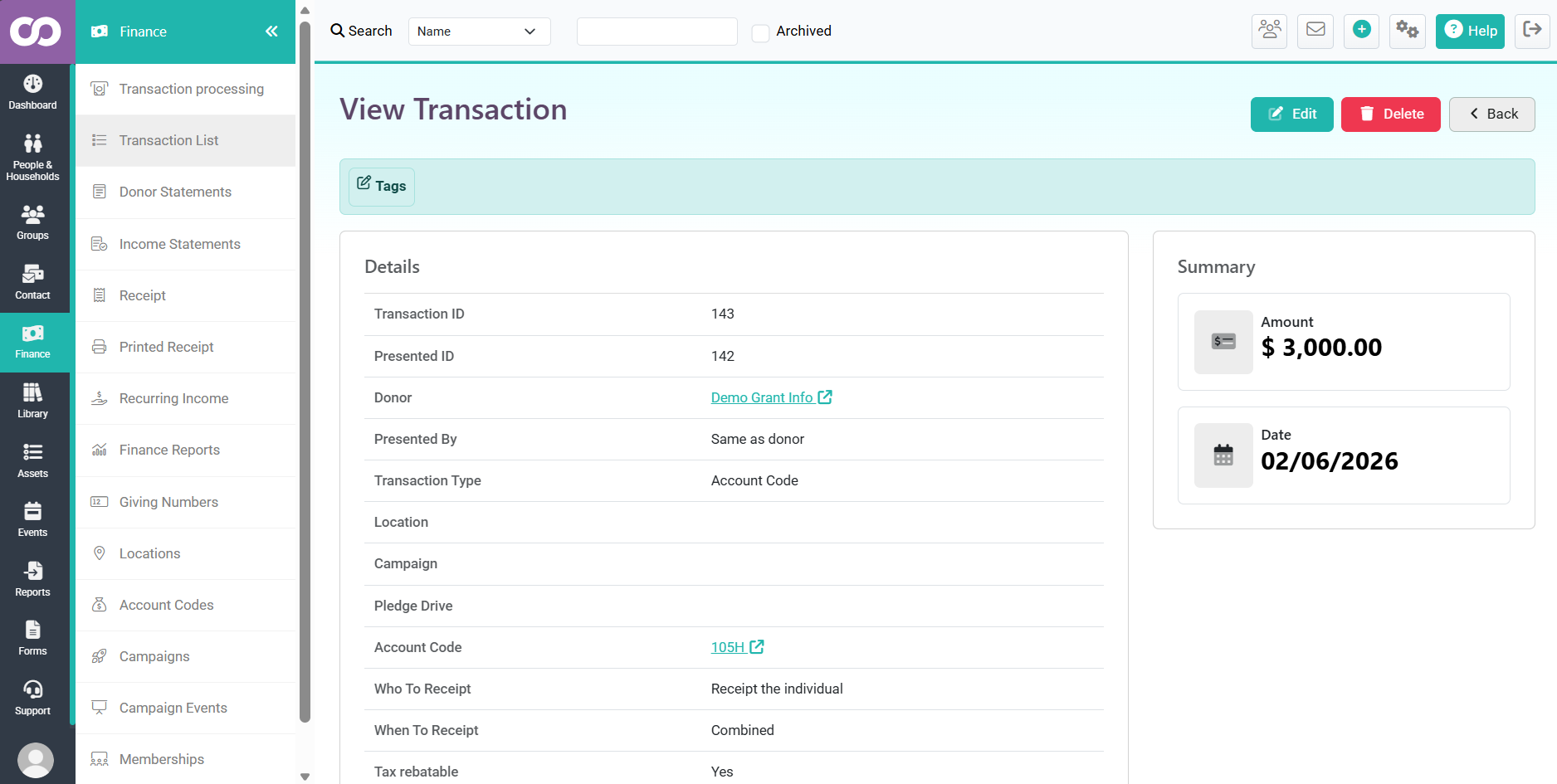
Click on the eye icon to be able to see more detail on a single transaction which will open on a new page

You can also access the Transaction list by going to Finance → Transaction processing → Transactions → Find
Related Pages