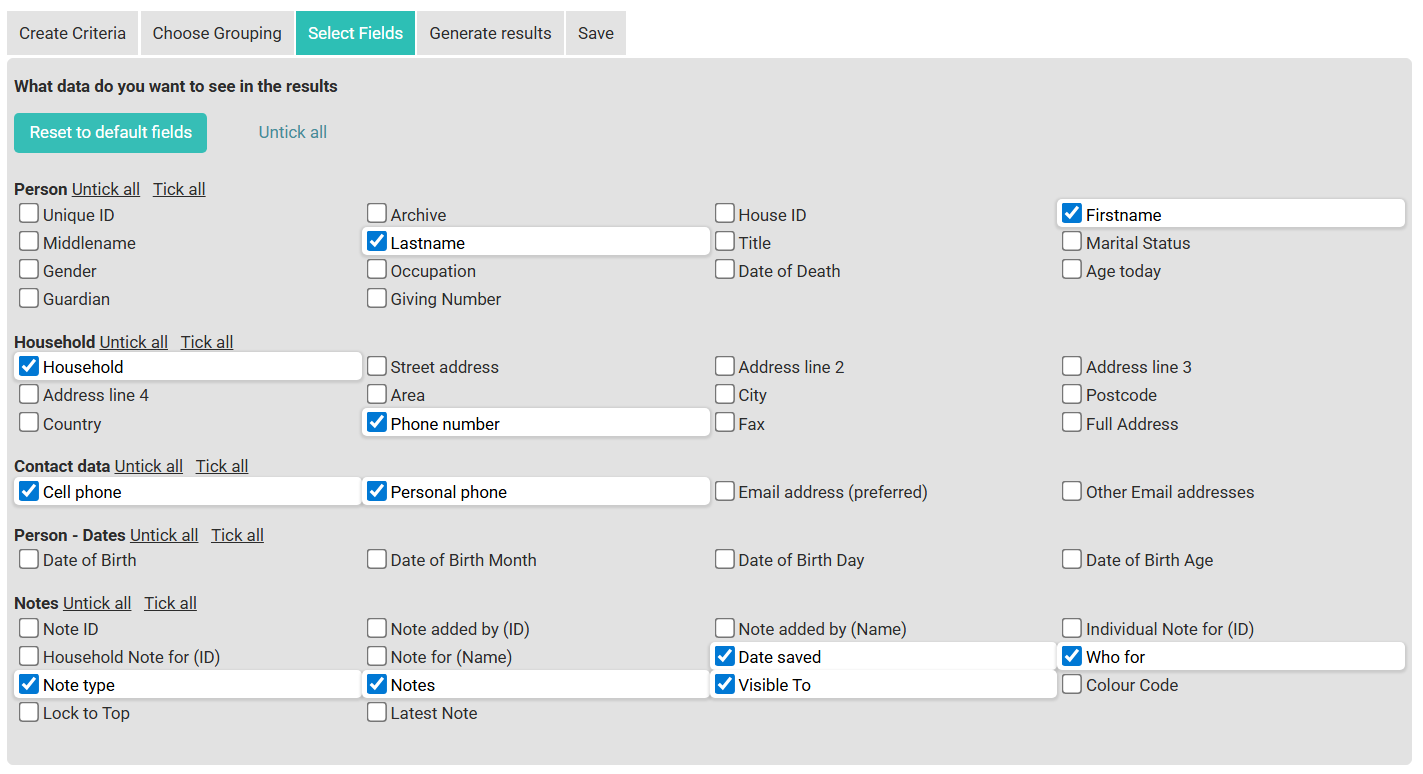
People - Notes Reports work identically to People Reports but include an additional Notes fields category in the Select Fields tab. Use this report when you need to include notes data alongside contact information.
The same five tabs apply:
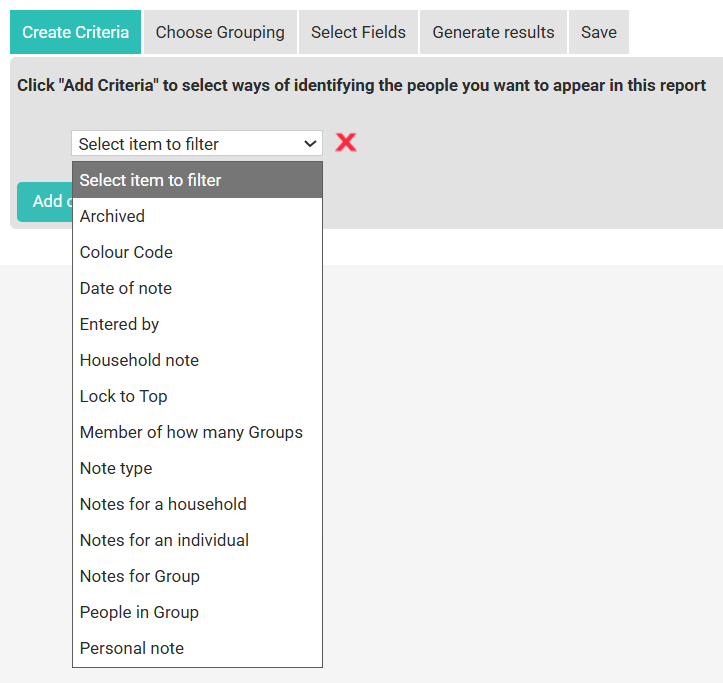
- Create Criteria — Same criteria options as People Reports, plus notes-specific filters
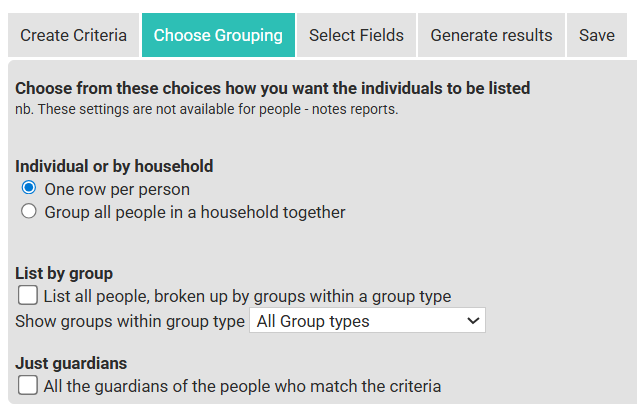
- Choose Grouping — Same grouping options as People Reports
- Select Fields — Same fields as People Reports, plus a Notes category
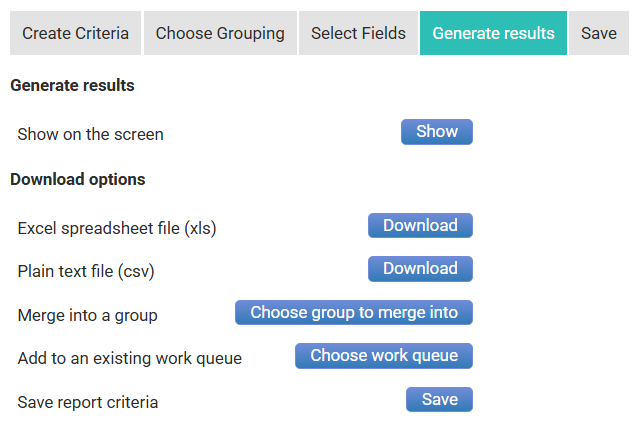
- Generate Results — Same output options as People Reports
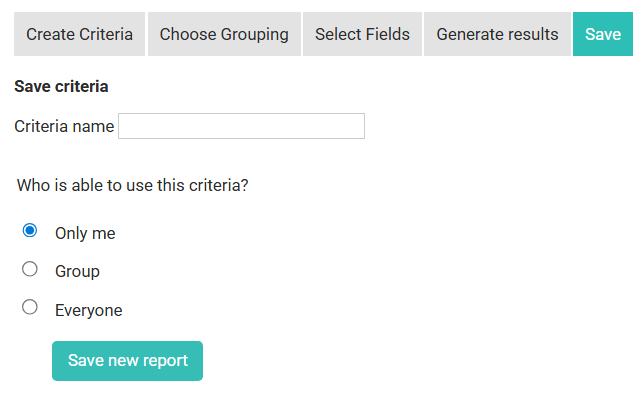
- Save — Same save options as People Reports
When to use People - Notes instead of People
When to use People - Notes instead of People
Use People - Notes when you need to include the content or details of notes in your report output, or when you want to filter by notes criteria.
Related Pages