Set up Stripe Notifications
When a donor makes a payment there are two different ways the payment is processed:
-
The bank returns a response immediately e.g. for a Credit Card. In this scenario - no email notifications are sent out, the donor has already been informed of the status.
-
The link between Stripe and the provider needs to be set up and the donor is redirected to the provider's page. The status of the payment can take days before the payment is made. In this scenario - the donor, or administrator will not immediately know how the payment went. For this reason, emails can optionally be sent out.
This will only happen when the infoodle payment method has payment notifications enabled. This is important to check. For more information, see Stripe Receiving Notifications
A payment has 3 different statuses.
- Confirmed - it was a success
- Processing - it is being setup with the bank
- Failed - a problem has happened
Edit Stripe Email Templates
infoodle can use the email template without modifications. However, if you want to personalise it to your organisation, or the payment method, there is space for you to do this.
- Click Edit Stripe configuration on the payment methods screen.
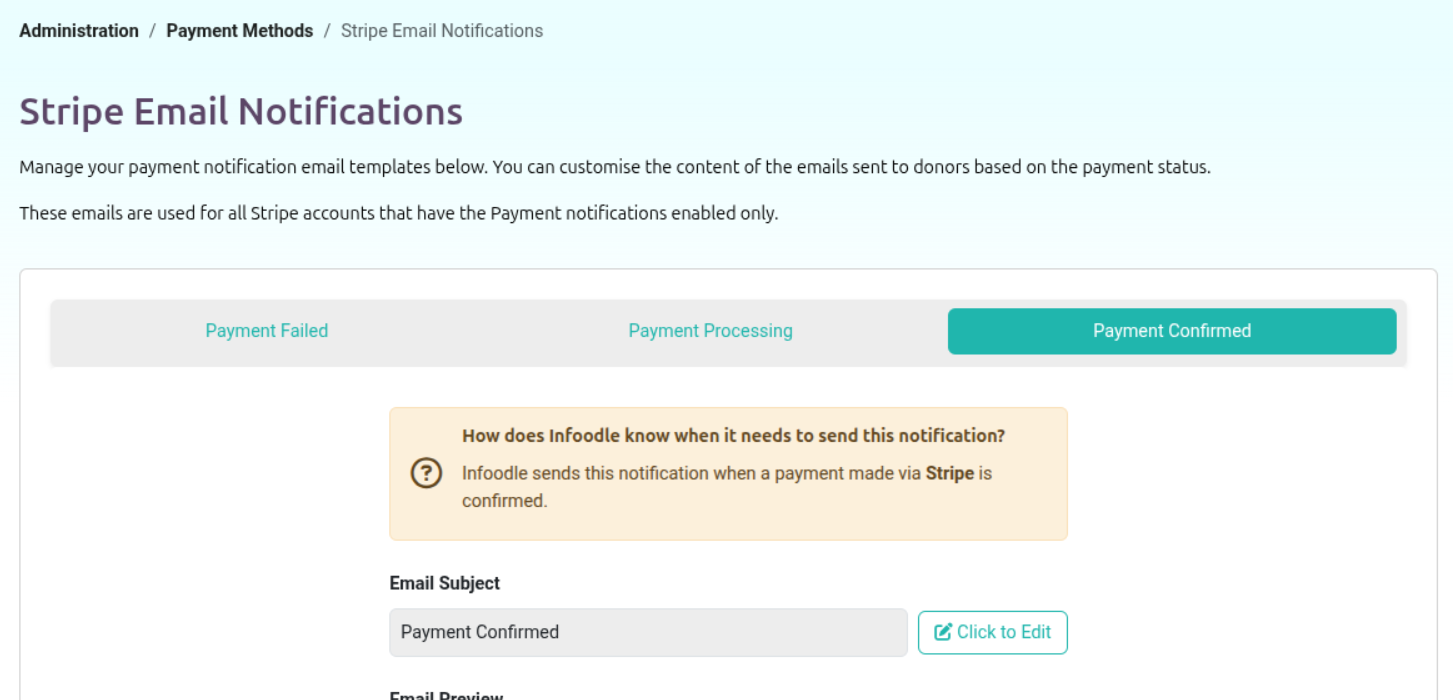
The area that can be customised is shown at the bottom of the screen.
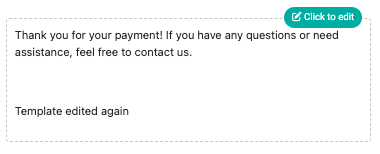
- Then click click to edit
Notifications for Recurring Payments
The first time a new payment is taken on a payment method for a donor, the donor is informed of the various