A batch is a container for grouping related transactions together. You might use a batch to hold all donations from a specific event, a week's cash collections, or a bank statement import. Batches help you organise, reconcile, and report on transactions as a group.
Before you start
Permissions required: You need the Finance Admin role to create and manage batches. For more information, see Packages and Views.
Creating a new batch
-
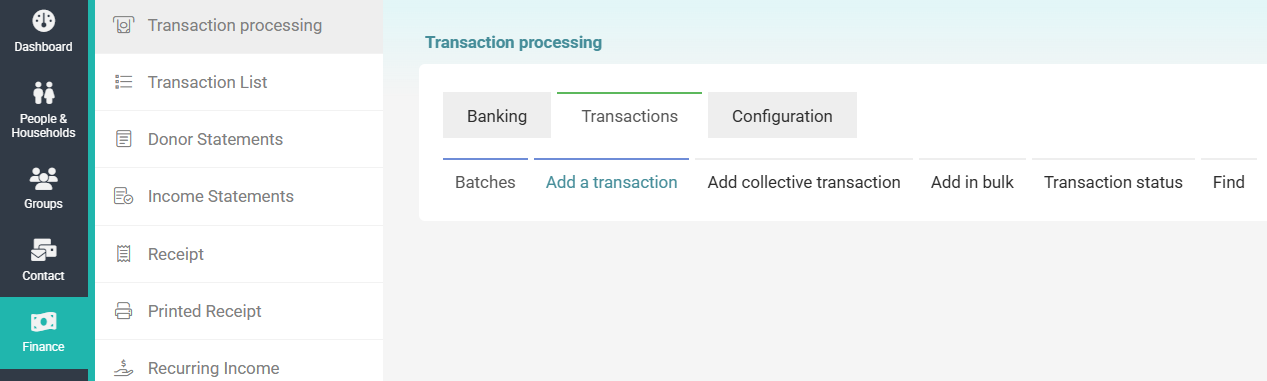
Click on Finance on the navigation menu on the left, then click on Transaction processing.
-
Under the Transactions tab, click Add a transaction
-
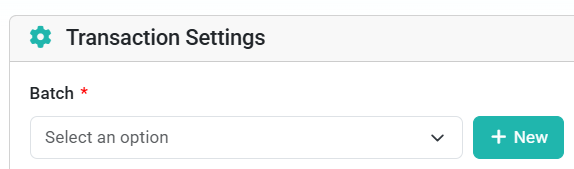
Then under Transaction Settings click the + New button.
-
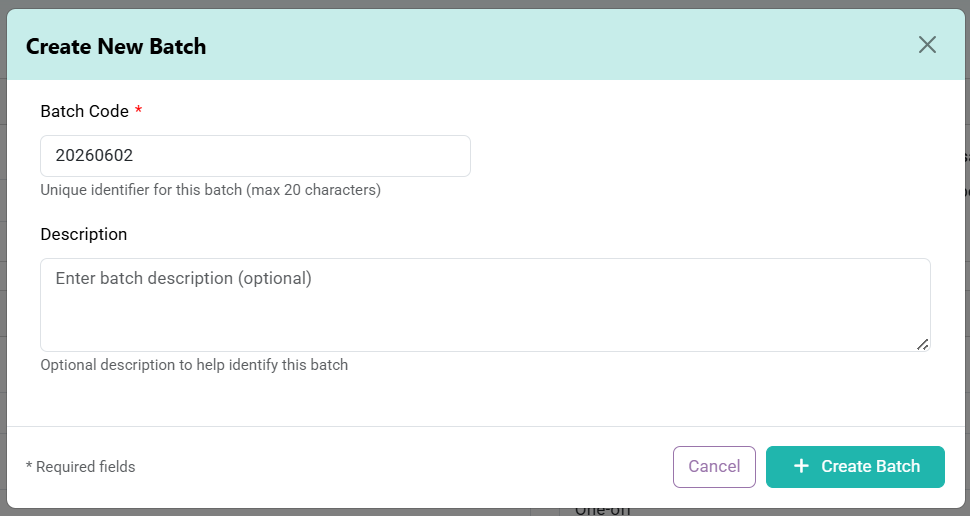
Use the automated batch code, or create your own. Then, optionally, add in a description. Then click + Create Batch.
Adding transactions to a batch either individually, in bulk, or as a collection.
Viewing Batches
Editing a Batch