You can export the entries for any form as a spreadsheet — useful for mail merges, event planning, finance reconciliation, or any time you need to work with the data outside infoodle.
How to open the entries list
- Go to Forms in the navigation menu.
- Click the ⋮ menu on the right of the form row and choose View Entries, or click Entries in the form editor toolbar.


Exporting
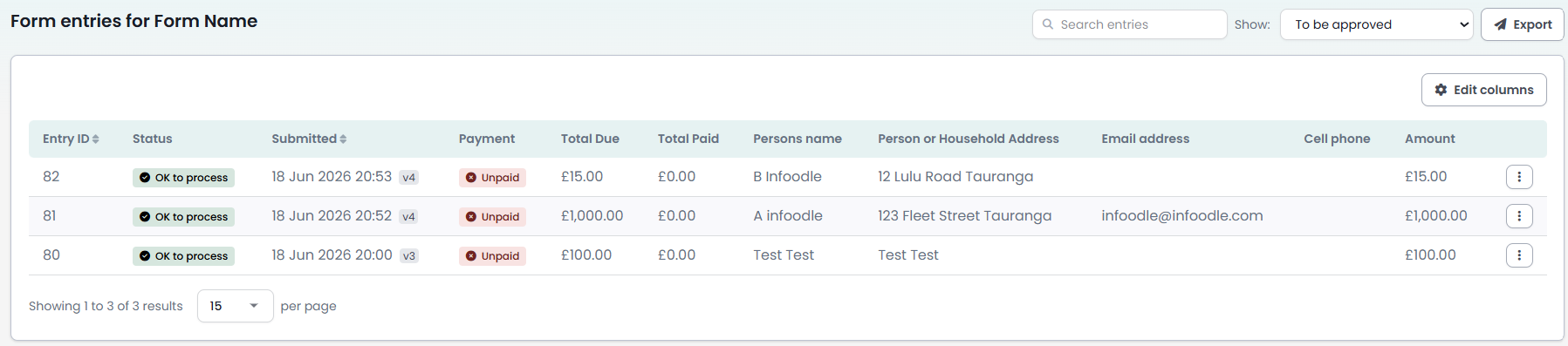
- In the entries list, click the Export button in the top-right corner.
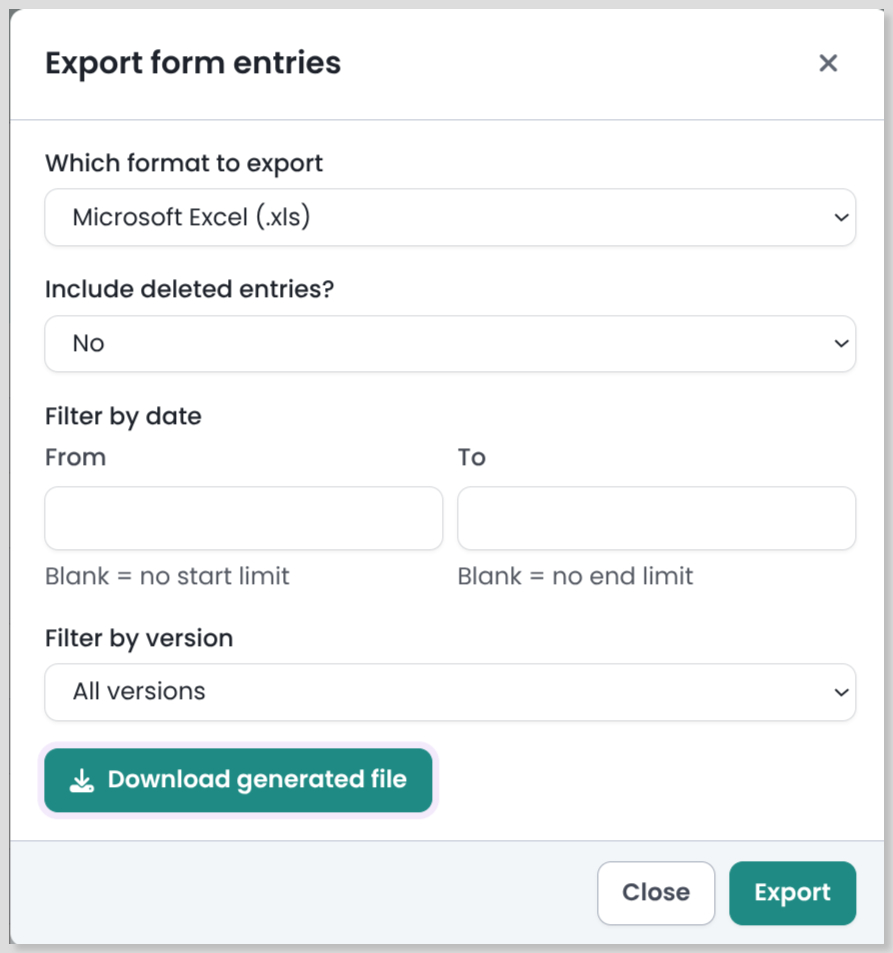
- In the Export form entries dialog, choose your options:
| Option | What it does |
|---|---|
| Which format to export | Choose Microsoft Excel (.xls) or CSV |
| Include deleted entries? | Set to Yes to include entries that have been deleted, or No to export active entries only |
| Filter by date | Export entries from within a specific date range, or leave blank to include all dates |
| Filter by version | Export entries from a specific form version, or choose All versions to include everything |
- Click Export. infoodle prepares the file.
- Click Download Generated File when it appears.
Filtering before you export
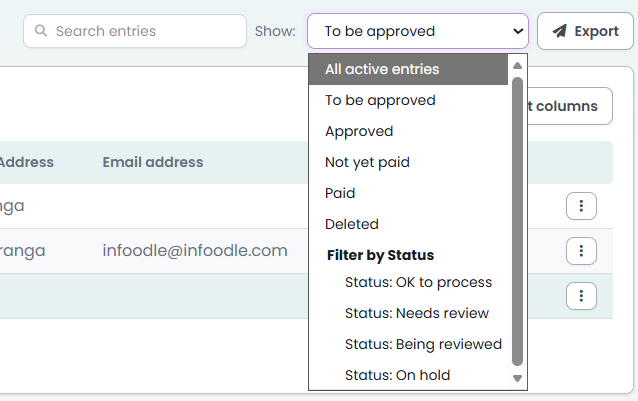
You can narrow down which entries are exported by using the Show dropdown and Search entries box in the entries list before clicking Export. For example, set Show to To be approved to export only entries awaiting approval.
Related pages
Form Entries List — viewing and managing entries
Form Versioning — how versions affect your export
Form Entries Report — run a report across multiple forms