User Experience
There are two main aspects the user will experience.
Donation form to complete their payment
Depending on what methods you have enabled in your Stripe account, the donor will be presented with a payment screen similar to this.
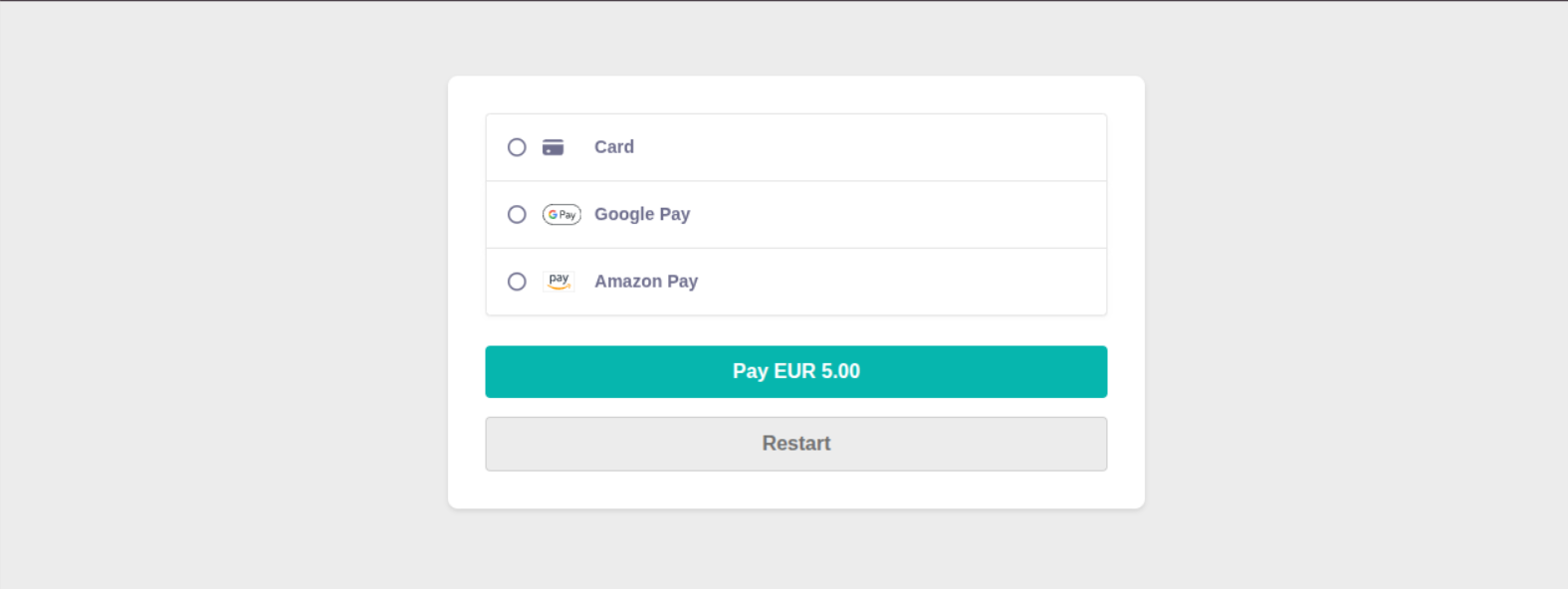
Clicking each of the items in the first list will present the appropriate data entry fields:
- Credit card it will ask for the card number, expiry date etc.
- Bank Accounts - they will then need to choose their bank account.
Note the below screenshot is a test screen.
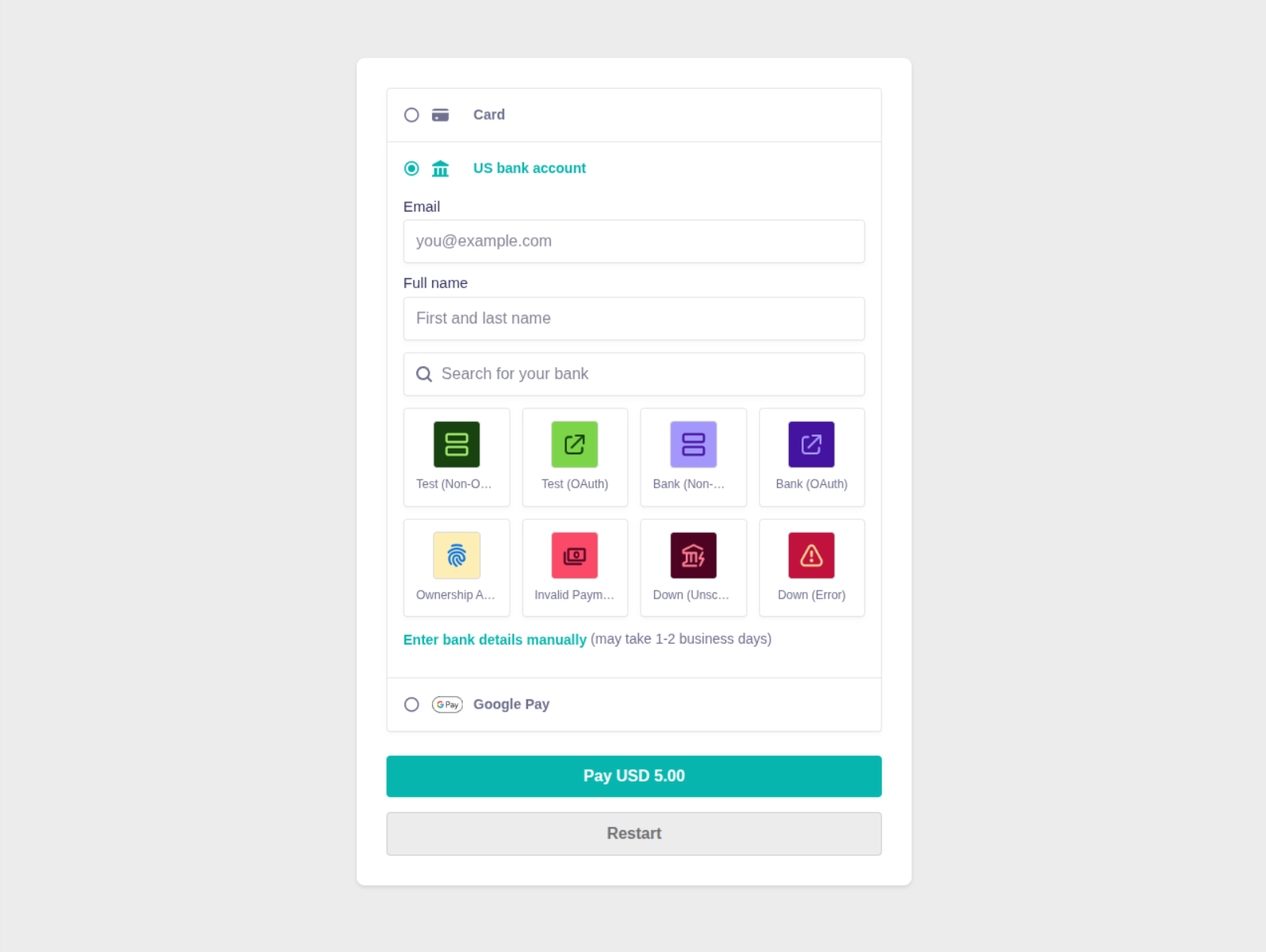
Once they have completed their payment details - they will be presented with the following screen.

Notification emails
Email notification is setup per organisation and enabled by payment method. What appears on the emails can be changed to suit your organisation. See more on Stripe notification emails.
If the payment goes through a processing state, they could receive the Payment Processing email. This happens when paying by direct debit through the bank. These can take several days to setup and can succeed or fail in the process. This delay can be communicated to the donor through this email.
- If the Payment Succeeds - they can receive the Payment Confirmed email. This can happen straight away or once the direct debit (or similar) is setup.
- If the Payment Fails - they could receive the Payment Failed email containing the error.