After you have entered your transactions there are times when you may need to make changes to them or delete them.
Note
If you wish to delete a Xero transaction then you will need to unreconcile it first and then click Don't import on the reconcile screen.
Infoodle will not allow you to edit or delete a transaction that has already been receipted. If you need to delete or correct a mistake on a transaction that has already been receipted then click here for more instructions. (Click here for definitions of receipts and statements as different terminology is used in different countries).
How to Delete a Transaction
- Click or hover over Finance in the left-hand menu, then click Transaction List.
- Click on the eye icon next to the transaction you want to delete

- Click the Delete button

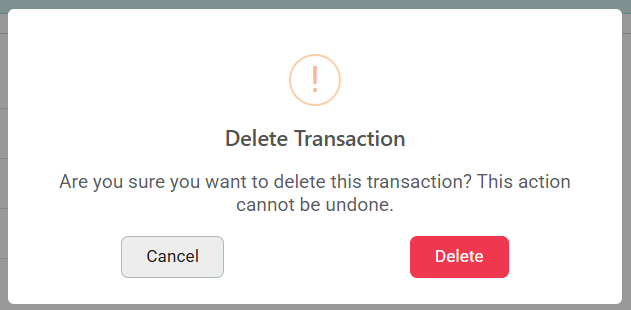
- A pop-up message will show to confirm you want to delete this transaction. If you're sure, click Delete.