What is a Group Type?
A Group Type is a category that organises your groups. Every group in infoodle belongs to a Group Type, and groups are displayed together under their type heading throughout the system.
For example, your organisation might use Group Types like:
- Administration
- Volunteers
- Committees
- Small Groups
- Pastoral Care
Group Types do more than just organise - they also control which fields, Functions, and Team Skills are available to every group within that type. This lets you tailor what information is captured and displayed on a type-by-type basis.
Only users with the System Administrator role can create, edit, or delete Group Types. How to edit permissions?
Viewing Group Types in the Groups list
When you navigate to Groups > All Active Groups, your groups are displayed in alphabetical order, grouped under their Group Type headings.
- Click on a group name to collapse it and hide the groups underneath
- Click it again to expand it and show the groups
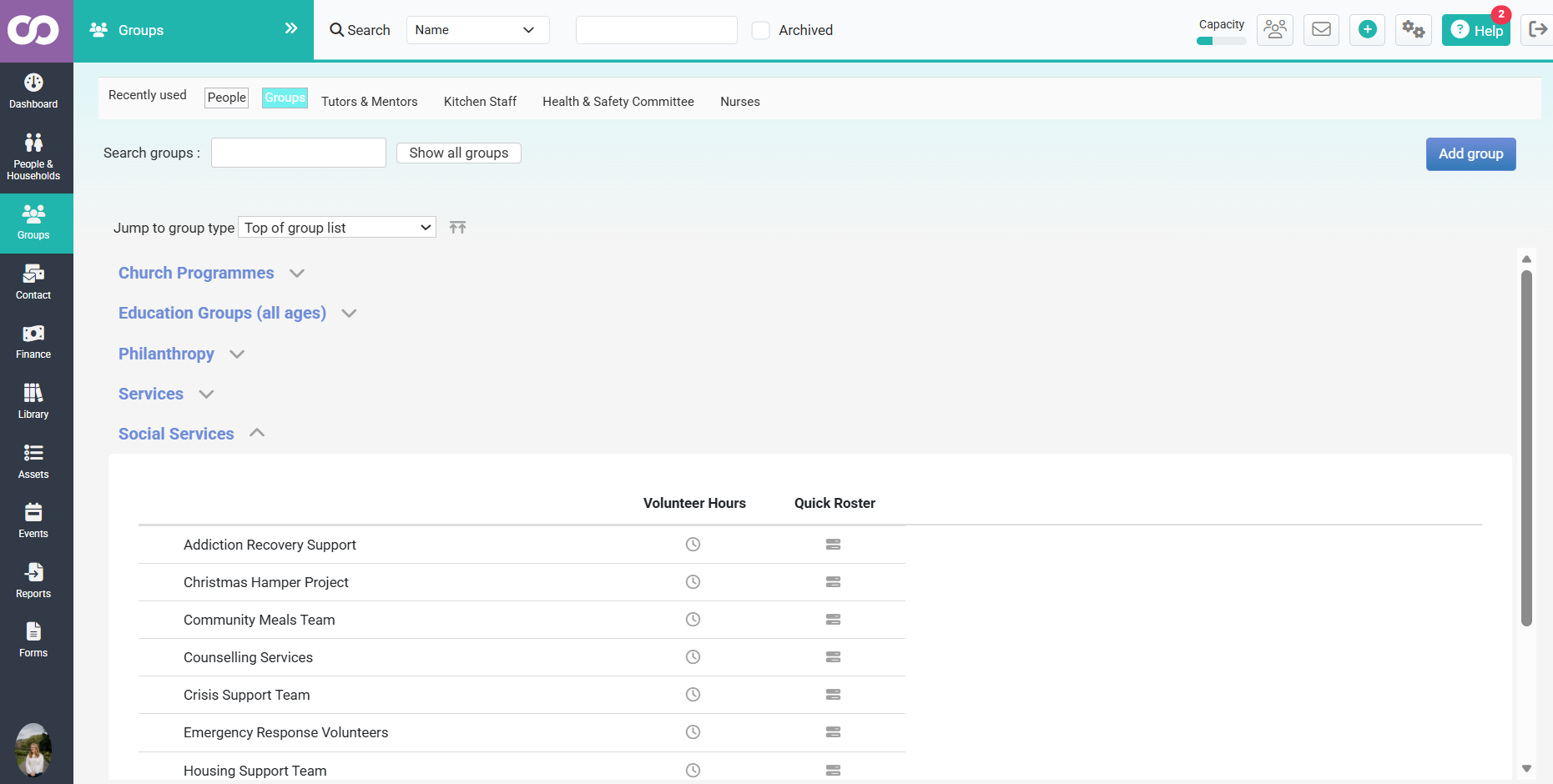
You can also filter by Group Type using the dropdown at the top of the groups list. Selecting a type from the dropdown instantly shows only the groups belonging to that type.
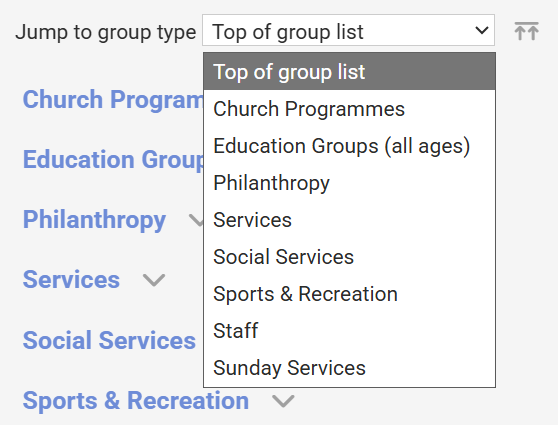
Where to find Group Types in Administration
- Click the Administration cog in the top-right of your infoodle screen

- Select Group Types from the list of administrative options
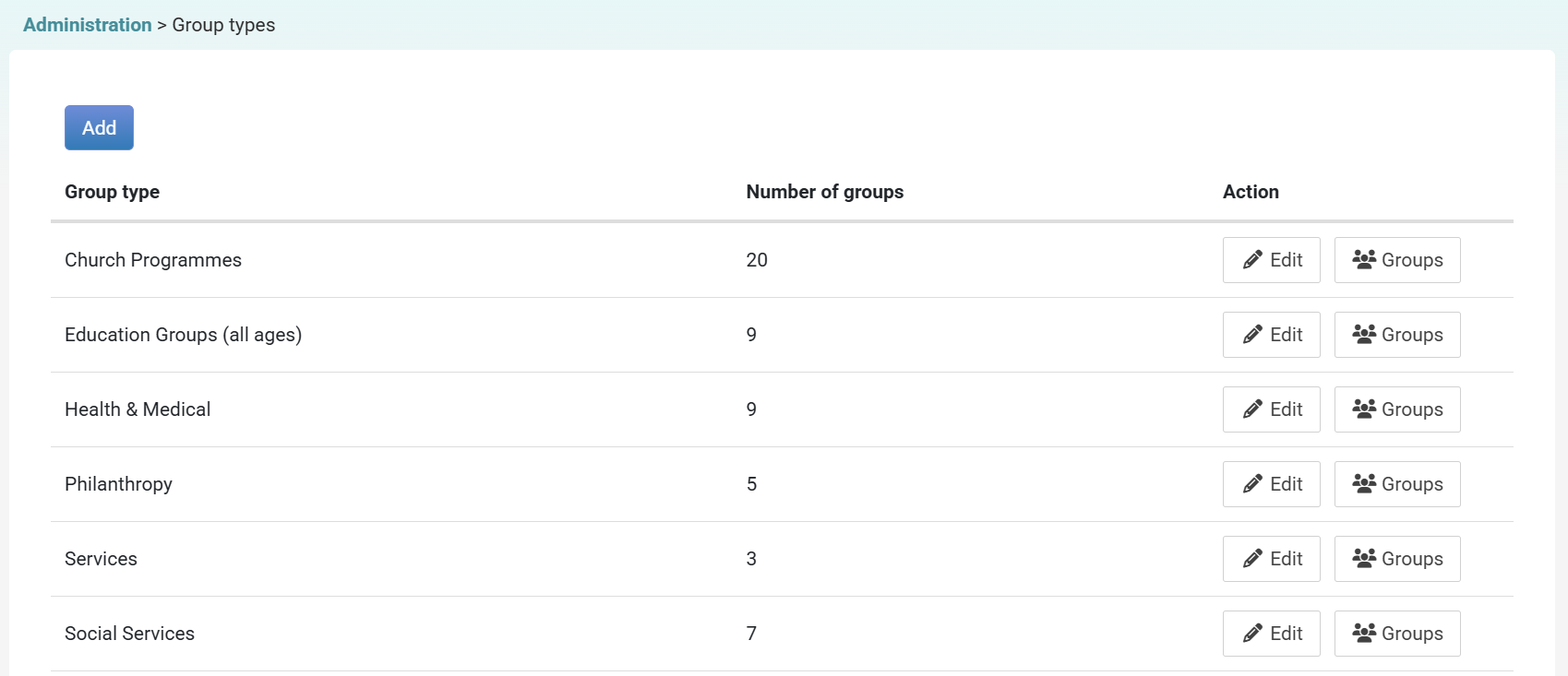
This opens the Group Types management screen, showing a table of all existing Group Types with:
- Group type - The name of the Group Type
- Number of groups - How many groups currently use this type
- Action - Edit and Groups buttons for each row